



Resets you can plan around
Per-provider session, weekly, and monthly windows with countdowns to the next reset — no more guessing whether to start a long task.
 CodexBar
for macOS
CodexBar
for macOS
Track usage windows, credit balances, and reset countdowns across the AI tools you actually pay for.
Free & open source · macOS 14+
Popular providers become status items with their own usage windows, reset countdowns, charts, and provider menus.

CodexOAuth

ClaudeOAuth

CursorCookies

OpenCodeCookies + Go

AlibabaCookies
Alibaba TokenCookies

GeminiOAuth

AntigravityLocal

DroidCookies

CopilotDevice flow

DevinBearer / Local

z.aiAPI key

MiniMaxAPI key

KimiToken

Kimi K2Legacy API

KiloAPI key

KiroCLI

Vertex AIgcloud

AugmentCLI

AmpCookies

OllamaAPI key + Cookies

SyntheticAPI key

JetBrains AILocal

WarpAPI key

ElevenLabsAPI key

OpenRouterAPI key

LiteLLMVirtual key

PerplexityCookies

Abacus AICookies

MistralCookies

DeepSeekAPI key

T3 ChatCookies

CodebuffAPI key

PoeAPI key

ChutesAPI key

ZedLocal
Your provider
Per-provider session, weekly, and monthly windows with countdowns to the next reset — no more guessing whether to start a long task.
Credit balances and monthly spend where the provider exposes them, plus configurable local cost scans for Codex and Claude.
Provider status polling surfaces incident badges in the menu and an indicator overlay on the bar icon.
codexbar · terminal
== Codex (oauth) ==
== elevenlabs ==
> codexbar
A bundled {codexbar} binary with the same usage output as the menu bar — scripts, CI, and quick terminal checks.
Standalone tarballs for macOS and Linux on every release.
CodexBar reuses existing provider sessions — no passwords stored on disk.
WidgetKit widgets for supported providers — usage windows, reset countdowns, and spend where available. Drop them on your Home Screen and desktop.
Small, medium, and large sizes. Switch providers without leaving the widget.
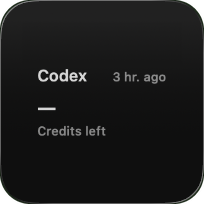
Compact widget for credits or cost.
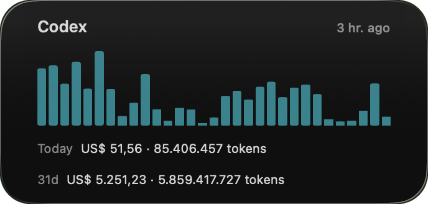
Usage history chart with recent totals.
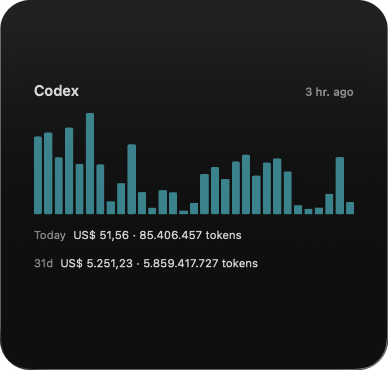
Usage history chart with recent totals.
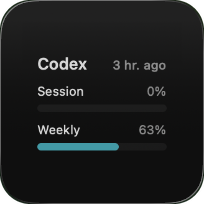
Session and weekly usage with credits and costs.
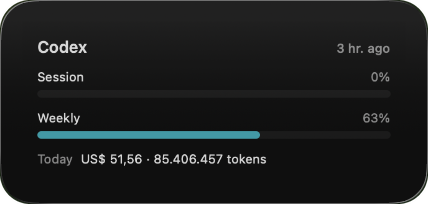
Session and weekly usage with credits and costs.
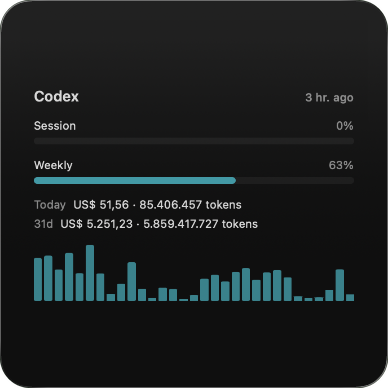
Session and weekly usage with credits and costs.
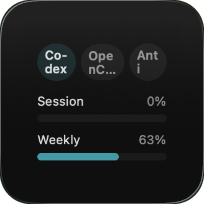
Usage widget with a provider switcher.
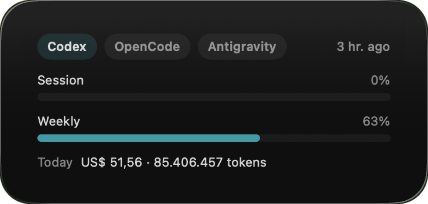
Usage widget with a provider switcher.
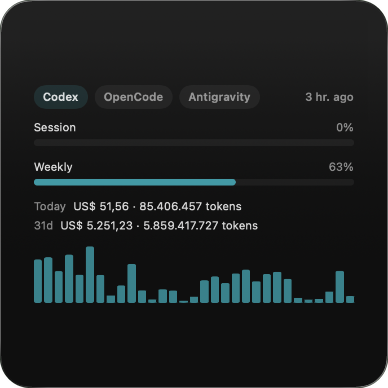
Usage widget with a provider switcher.
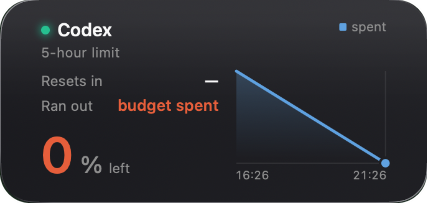
Remaining budget compared with an ideal steady burn rate.
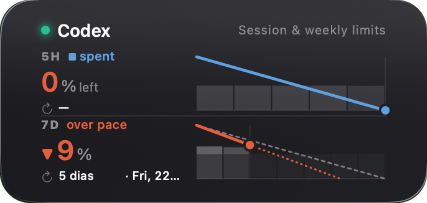
Session and weekly burn-down charts in one tile.
More
Universal app via {releases} with Sparkle auto-updates, or via {cask} (updates via {upgrade}).
A bundled {codexbar} binary plus standalone tarballs for macOS and Linux on each release. On Linux: {linuxCommand}.
Reuses existing provider sessions — OAuth, device flow, API keys, browser cookies, local files — so no passwords are stored. Audit notes in {issue}.
Full Disk Access for Safari cookies, Keychain access for cookie decryption and OAuth flows, and Files & Folders prompts when provider helpers read project directories.